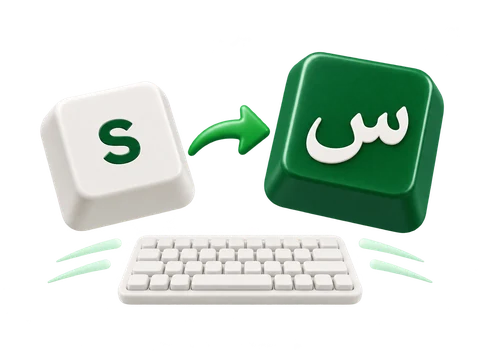
Type an English spelling and pause for suggestions. Choose a preview or press Space to finish the word.
How word conversion works
Type salam, pause, and choose سلام from the available suggestions. Review the word before continuing.
Space accepts the highlighted suggestion or the first available one. Check that the selected word is سلام before accepting it.
Review words beside the caret
The word popup can appear while you type and after conversion. Choose the intended spelling without retyping the sentence.
Choose with touch, a mouse, or the keyboard
Click the Arabic word you want. Use arrows and Enter when the popup is open, or a displayed Alt+number shortcut. Escape closes the popup and leaves the text unchanged.
The original English spelling is included among the choices. A candidate replaces only its word, preserving nearby text and any following space or new line. Undo reverses the choice.
Review سلام. If a letter needs correction, select it and click the intended Arabic key.
Use Arabic keys whenever you prefer
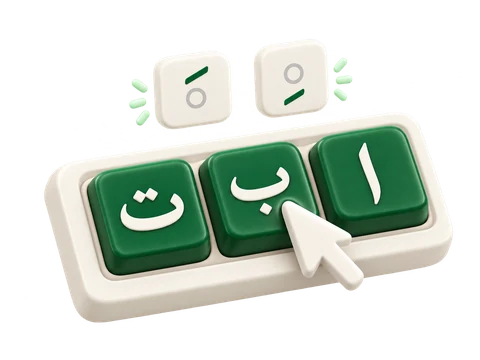
Smart has Arabic virtual keys. Clicking one inserts its character directly, without a word request.
Mix direct entry with word suggestions
Use Arabic keys for a letter, punctuation, or spelling you already know. Clicking an Arabic key does not submit a transliterated word.
The final row also provides the eight vowel marks. Place the caret after an Arabic letter before adding its mark.
Make Arabic text easy to read
Change the appearance of the complete draft from Text style. Start with Noto Kufi Arabic at 22 px, then adjust it for your task.
What the style controls change
Open Text style to choose a font, set a size from 12 to 120 px, change the text color, or apply bold, italic, underline, and strikethrough. These settings apply to the whole draft rather than a selected phrase.
Text direction is independent of the interface language. Keep right-to-left for an Arabic paragraph. Reset style restores the starting appearance without clearing the words.
Copy, download, or look up your text
Copy the draft, download an editable Word document, or save a PNG image. Use Search your text for a web search or share action.
Choose the output for your next step
Copy copies the complete draft as text. Save Word (.docx) keeps editable text and the selected overall style. Save image (.png) produces a white-background image; its words are no longer editable as text in that image.
Word and image files are created in your browser. An oversized image can reach a limit; shorten the draft or use Word if the image cannot be created.
Search your text uses a selected passage when one is selected, otherwise the complete draft. Choose a destination and press Open to send that text to the external service.
Try it in three steps
Choose Smart keyboard
Type salam, pause, and choose سلام from the available suggestions. Review the word before continuing.
Choose or finish the word
Pause for a preview. Click a candidate or press Enter to accept the highlighted choice; Space accepts a suggestion and adds one space.
Review the spelling and continue
Review سلام. If a letter needs correction, select it and click the intended Arabic key.
Your text and the suggestion service
Smart sends only the current transliterated word to our suggestion service, including previews while you type. Recent suggestions are reused in this page's memory, without a saved Smart word-history or training profile. Direct Arabic key entry, editing, and Word or PNG generation run in your browser. External search and share actions send their text to the selected destination.
Practical tutorials for typing Arabic with English letters, choosing whole-word suggestions, and using an on-screen Arabic keyboard.
English keys. Arabic letters.
Fast Arabic keyboard
Type familiar English sounds and see Arabic letters as you go. Choose letter alternatives, add vowel marks, and keep writing without a dictionary connection.